The Best Expensify Alternative for Freelancers & Small Business.
Stop paying for corporate bloatware. TaxLens offers smarter AI scanning, audit-ready reports, and tax categorization — for a fraction of the cost.
Start for Free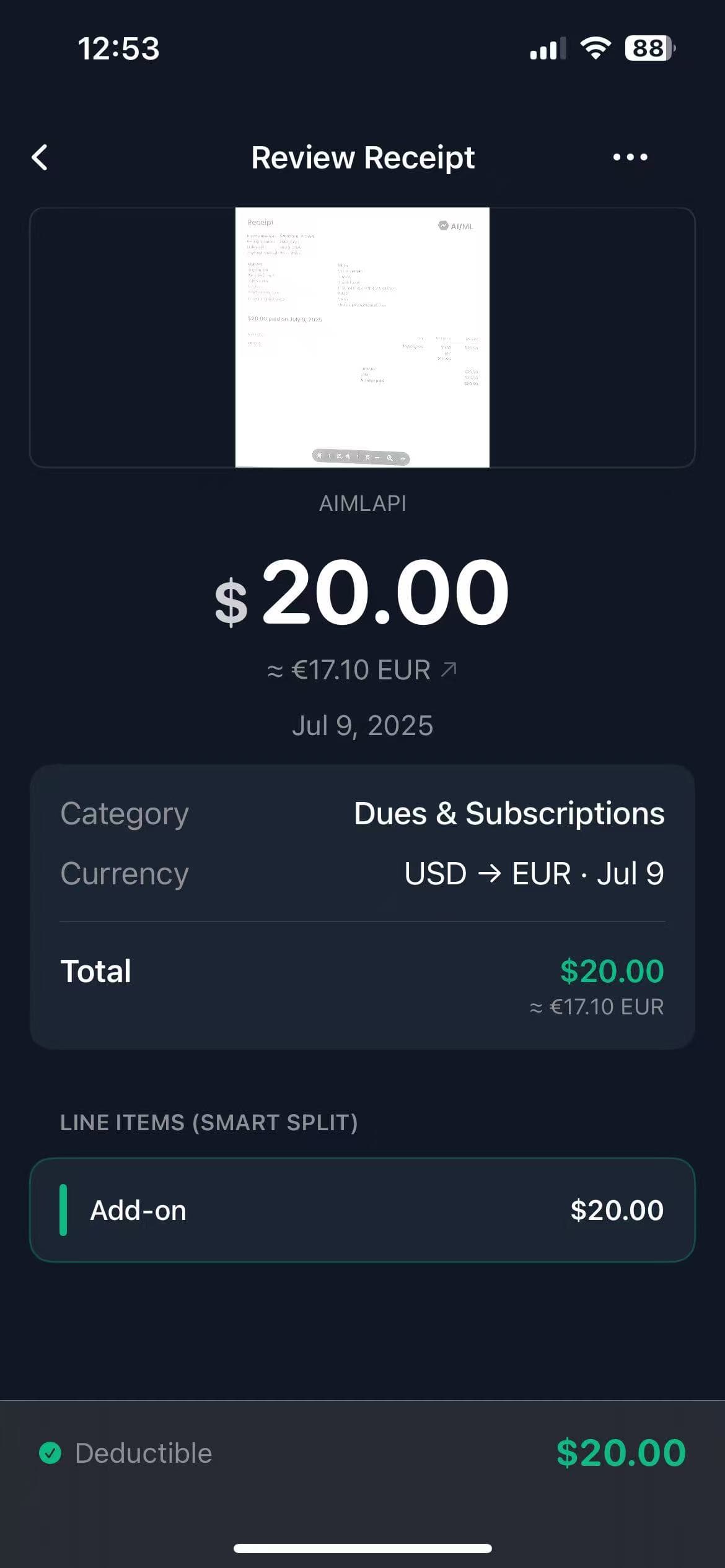
Why freelancers are switching to TaxLens.
A side-by-side comparison so you can decide for yourself.
Built for Tax Deductions, not just reimbursements.
Expensify was designed for corporate expense reports. TaxLens was designed for your tax return.
- ✗Designed for Corporate HR, not you.
- ✗Constant upsells and $20/mo per-user pricing.
- ✗"SmartScan" that takes hours to process batches.
- ✗Overkill approval workflows you will never use.
- ✓Instant AI: Snap and done in 3 seconds.
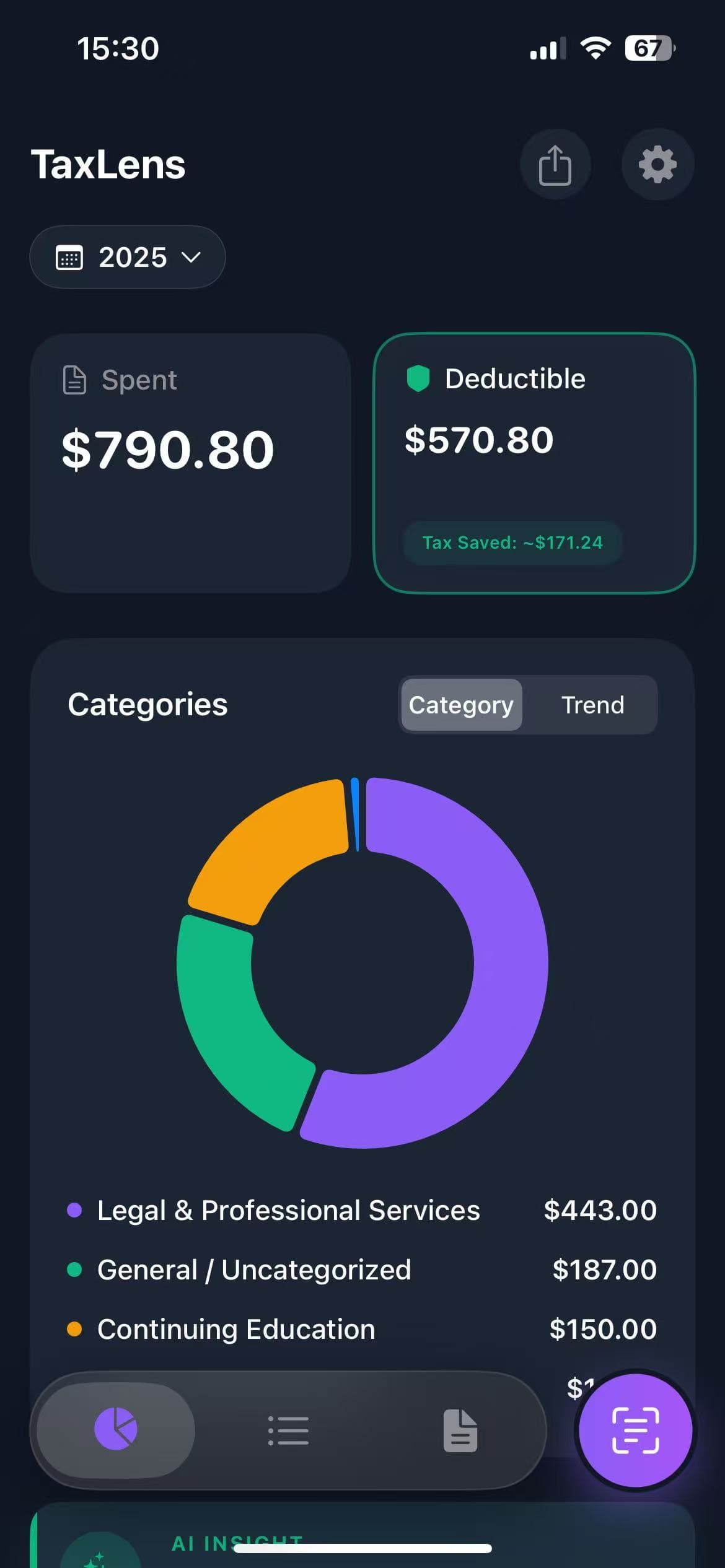
- ✓Tax Focus: Automatically finds Schedule C deductions.
- ✓Clean UI: No clutter, just your finances.
- ✓Privacy: Your data never leaves your device.
Make the switch in seconds.
Start fresh for the new tax year. No messy data migration needed — export your Expensify reports as backup, then start saving money with TaxLens today.
Just download, scan your next receipt, and export audit-ready reports whenever you need them.
Download TaxLens NowFrequently Asked Questions
Is TaxLens really a good Expensify alternative?
Yes. If you are a freelancer or small business owner, TaxLens is purpose-built for your needs. You get AI receipt scanning, tax-specific categorization, and audit-ready exports — without the corporate complexity or cost of Expensify.
Can I import my Expensify data into TaxLens?
TaxLens is designed to be a fresh start for the new tax year. Simply scan your next receipt and go — no complex migration needed. Export your old Expensify reports to PDF as backup, then start saving money with TaxLens today.
How much does TaxLens cost compared to Expensify?
TaxLens offers a generous free tier. Pro plans start at $4.99/week or $39.99/year — significantly cheaper than Expensify's $20/month per-user pricing for teams.